Suscribing to Discussions
Discussion forums include the option of subscription. Subscribers will receive an email when someone posts to the forum. This can be particularly helpful for forums that are visited occasionally, such as the student questions forum.
Video Userguide
Video not loading? Watch on Youtube.
Instructions
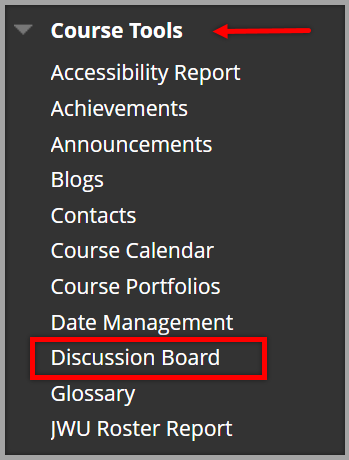
- From the Course Tools menu select Discussion Board.
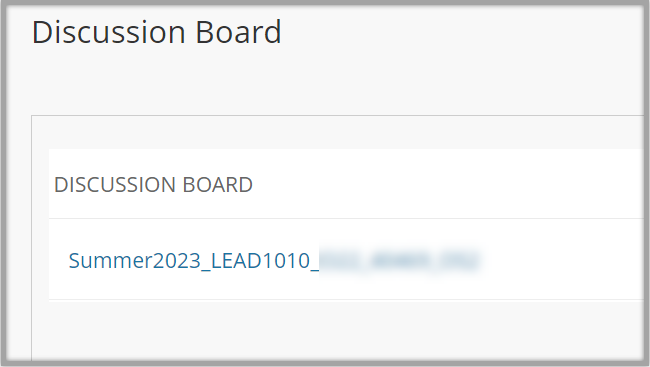
- Select the course name and ID from the Discussion Board page.
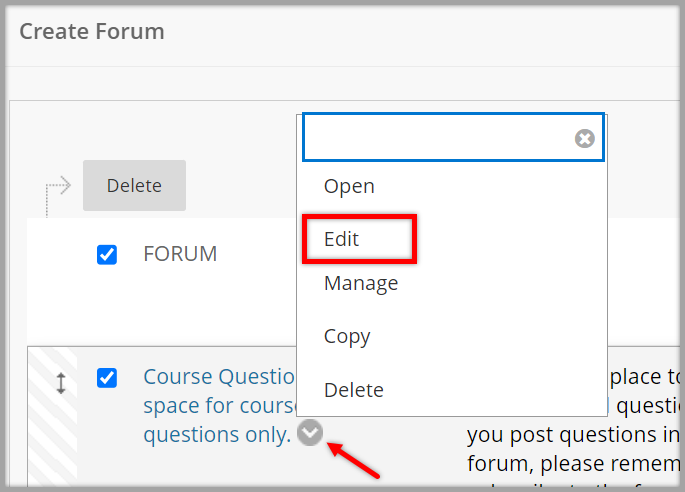
- Click the down arrow next to the forum name and select Edit.
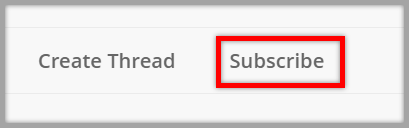
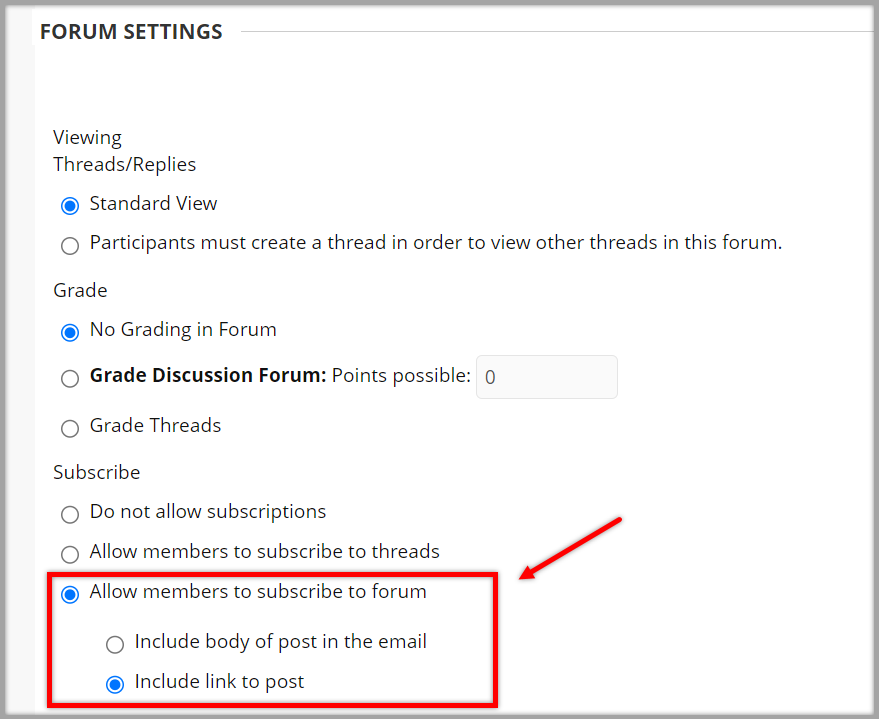
- Scroll down the page to the Subscribe section. Select Allow members to subscribe to the forum.
- Once the setting has been enabled, there is an option inside the forum to Subscribe by clicking on the button. Once you subscribe to the discussion, the messages will be sent to your Johnson & Wales email account.