Content
Add text and other materials like images and videos to a content block within a document using the content editor.
Instructions
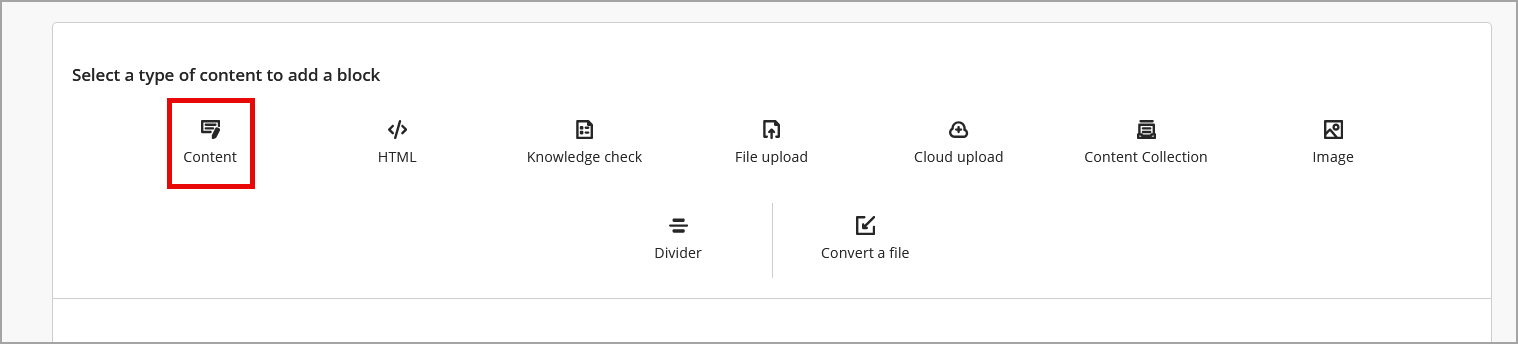
- Create a new or edit an existing document with course content. Click the plus icon (+) to add a new block. Choose Content.
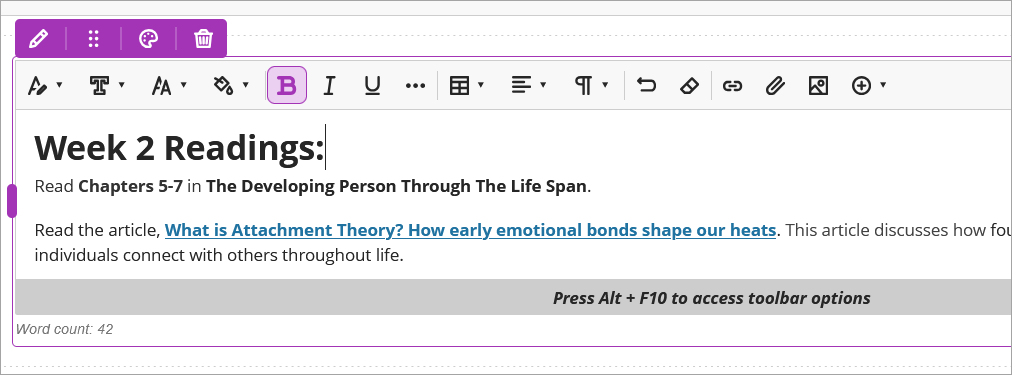
- Use the editor menu to type and format text, add web links, attach files, and add images and videos.
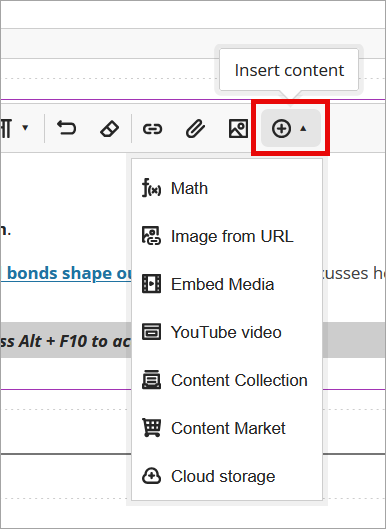
- Click Insert Content (+) to add the Math editor, embed YouTube videos and add Kaltura videos from the Content Market.
IDT Tips for Content
- Add a purpose statement to help students know what the link contains and why they should access it.
- All videos must have closed captions.
- While editing, don't forget to check the Accessibility Dial.