Convert a File
Convert a Word document, PDF, or PowerPoint presentation into a content block.
Instructions
- Create a new or edit an existing document with course content. Click the plus icon (+) to add a new block. Choose Convert a file.
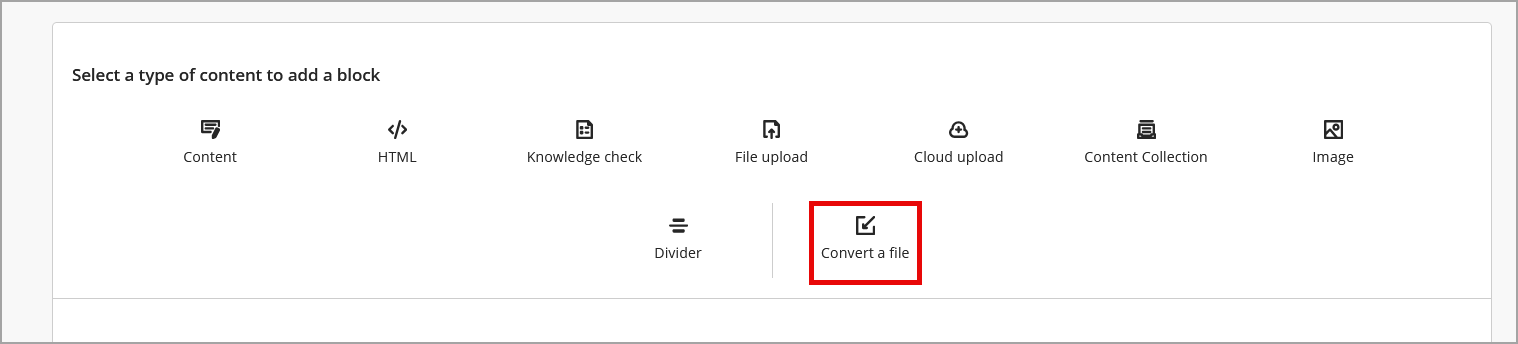
- Locate and select the file on your computer. Click Open. The system converts the file. This may take a minute or two.
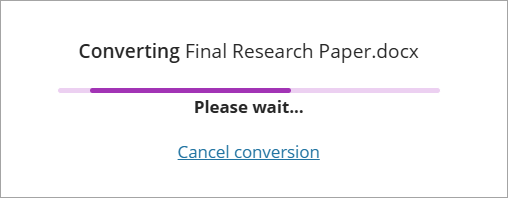
- Once converted, the file appears in edit mode. Check the document for accuracy. When finished, click Save.
IDT Tips for Convert a File
- Use the editor to clean up your content, delete unnecessary items, and fix any formatting issues. Remember to hit save.
- Before converting your Word document, use the built in Accessibility Checker.
- Be intentional when using dividers, block styling, etc.