File Upload
Files can be added to a document in their own content box and easily resized and moved.
Instructions
- Create a new or edit an existing document with course content. Click the plus icon (+) to add a new block. Choose File Upload.
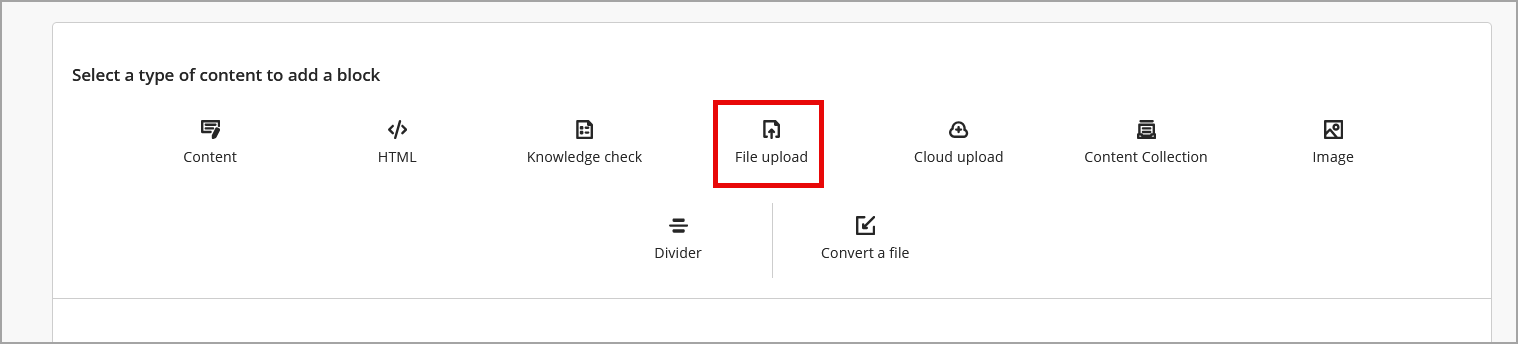
- Select the file from your computer and click Open.
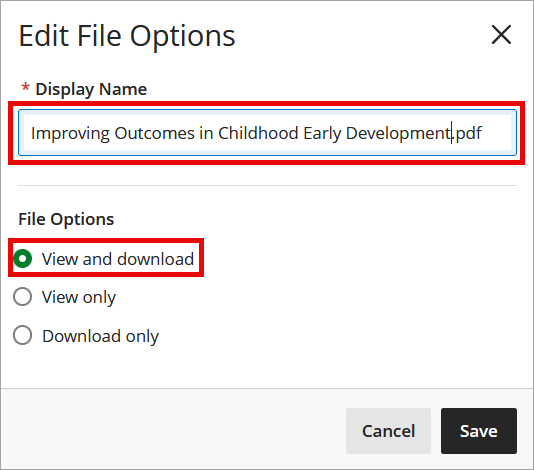
- Rename the file (if needed) before clicking Save. The default option is set to allow students to View and download the file.
IDT Tips for Uploading Files
- Keep file names simple and descriptive.
- If your file includes graphics or charts, ensure they have meaningful alt text before uploading.
- Preview the file by clicking its name.