Make a Course Available
Make your course available for students to access. When the course is closed, students cannot access it.
Note: Courses taught fully online are automatically made available in ulearn three days before the semester starts.
Instructions
- Navigate to a course. Note whether the indicator in the upper right corner of the homepage reads Open or Closed. If Open, the course is available to students; there is nothing more to do.
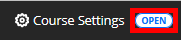
- If Closed, click the Closed indicator to access course availability settings.

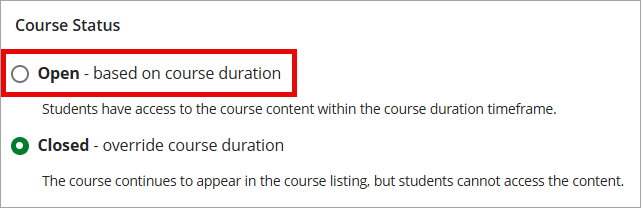
- Navigate to Course Status in the Course Access section. Choose Open – based on course duration. Click the X in the upper left corner to close the Course Settings page. The course is now available.